
How to disable a user in Resolve
Navigate to Site Settings > Users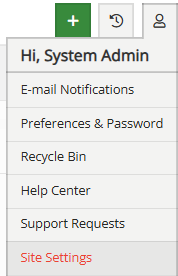
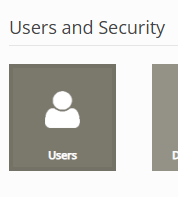
Find the user and click the blue Edit button.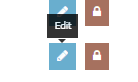
Once in the users menu, deselect the Enabled option and click Save to disable the user's access.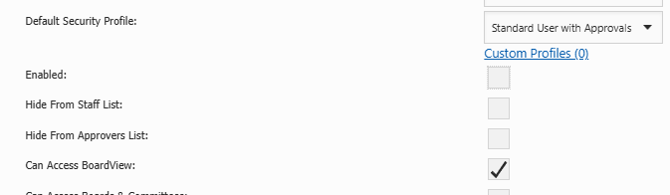
Disabling a user hides their name from menus and prevents them from logging in to Resolve.