
To create/assign a Task in Resolve, navigate to an Item and find the action tab:

-Click "Add Task" and fill out the details/user to assign like below:
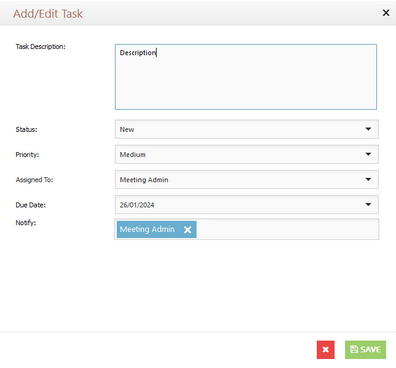
-Once saved, the user will be assigned the task.
To update a Task, click the Green "Add Update" button.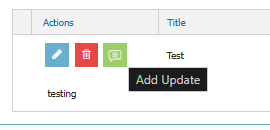
Add your Update/Comment: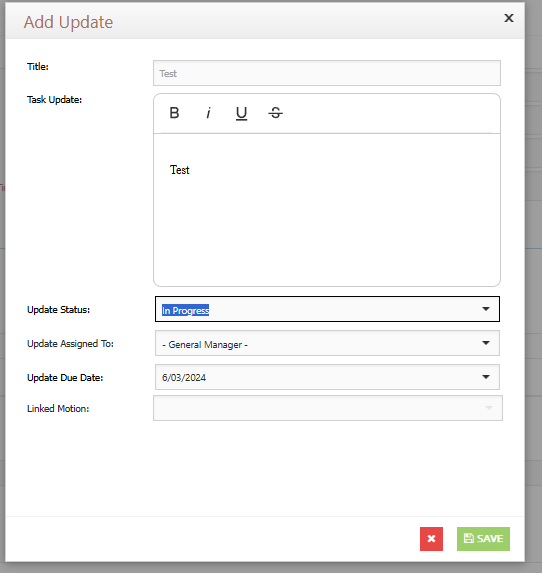
(Note, you can change the assigned Task details with the Due Date, Status, Assigned user and Linked Motion)
This will allow you to add an update/comments to the task that will be disaplyed as an indented entry below the Task.