
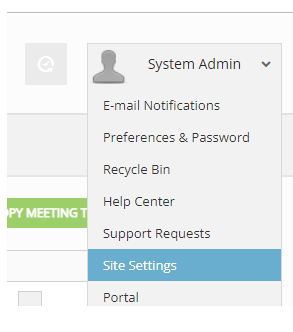
To change the display order of motion actions, you must have access to Site Settings.
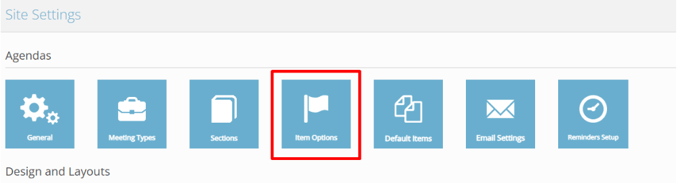
From Site Settings, select Item Options.
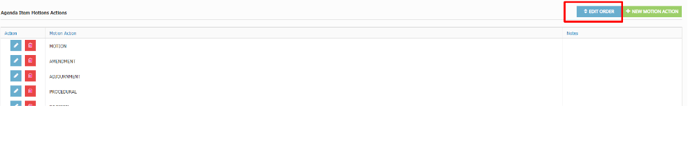
Then select Edit Order next to the Agenda item motion actions.
To change the display order of motion actions, you must have access to Site Settings.
From Site Settings, select Item Options.
Then select Edit Order next to the Agenda item motion actions.